Converting The Mellifera Git Repository Into A Physical Book
I converted the Git repository for Mellifera, my scripting language with mutable value semantics, into this physical printed book! 🐝📖
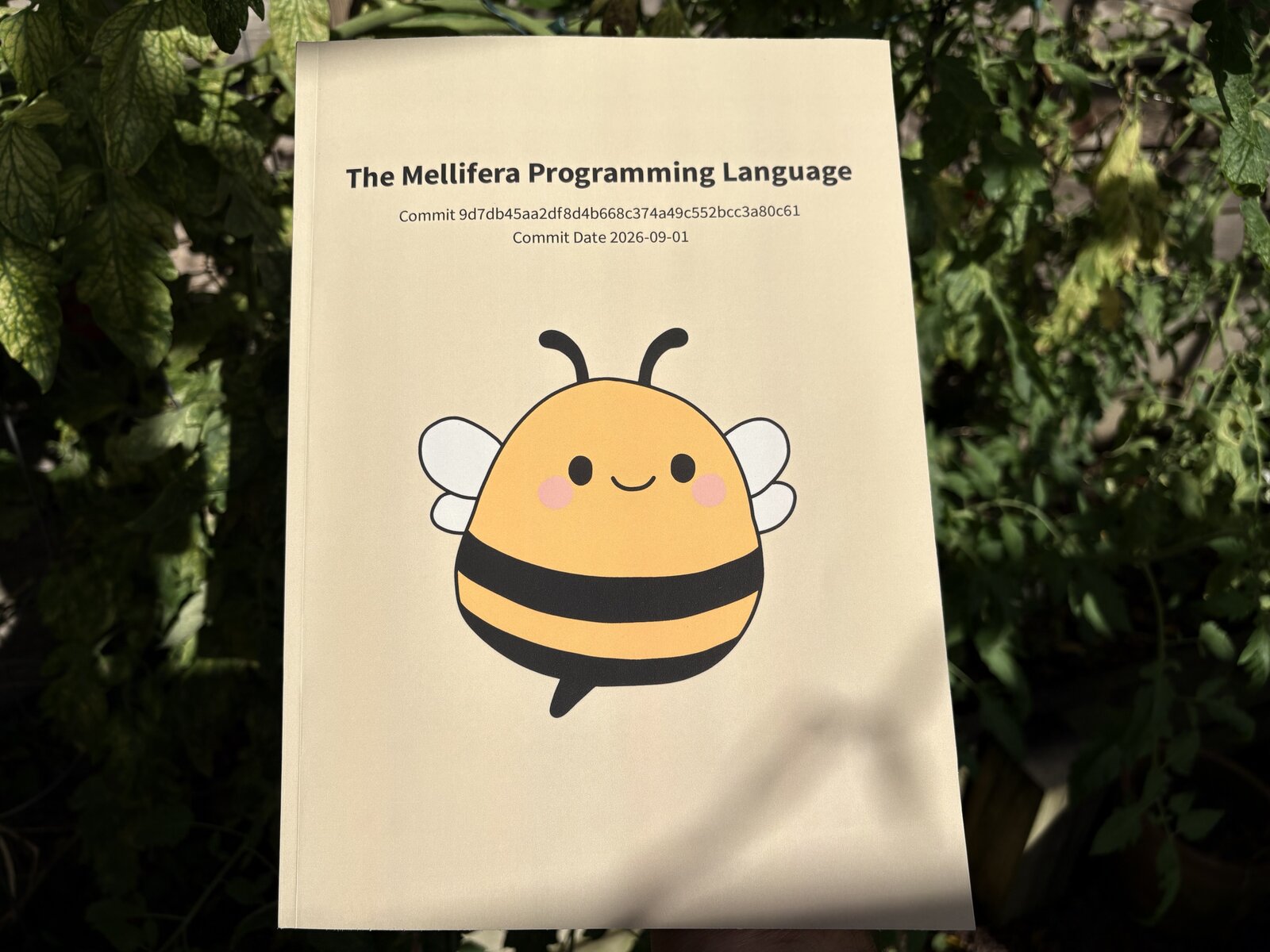
Recently, I completed the last of my major goals for the Mellifera programming language. There is still plenty of work to do (batteries in the standard library, performance enhancements, better user-facing documentation, improving the embedding story, etc.), but as a research project I answered all of the questions I originally wanted to answer, and Mellifera has found a comfy spot as this lovely little ad-hoc scripting language in my toolbox.
To celebrate, I thought it would be fun to produce some sort of physical object to commemorate the time and effort that went into the project. A book filled with the Mellifera source code seemed elegant, as source code is the most direct product of that time and effort, and would serve as a snapshot of the project in this moment. As time marches forward, as I pick up other projects, as I move on to different programming interests, and if/when I move away from programming altogether, a printed book reminding me of the sense of accomplishment I feel with Mellifera, sitting on my bookshelf, free of bit rot, just seemed lovely.
My plan for getting a Mellifera book printed was to take all of the files in the Mellifera repository, find a tool that would jam them together into a PDF with some nice typesetting, and then use a print-on-demand book service to turn that PDF into a printed book.
For converting a Git repository, I took a look around at existing tooling to see if I could spare my rampant NIH syndrome from once again sending me down a rabbit hole of overengineering a bespoke solution for a one-off side project. Unfortunately, nothing I found really fit the bill1, so bespoke NIH tooling it was!
I figured that auto-generating a LaTeX document was the way to go for this sort of thing, but after setting up a basic template I quickly realized that being away from academia for nearly a decade has atrophied the hell out of my LaTeX skills2. I took a brief look at Typst as a hopefully-quicker-to-learn alternative, but after walking through a bit of the tutorial I realized I was not having fun, and in particular I was not in the mood to learn a whole new document typesetting language at like 9 PM on the night that I was throwing this thing together.
I ended up going with kind of a scuffed alternative solution, which was to convert the repository into a Markdown document and then have Pandoc handle the conversion from Markdown to LaTeX and then from LaTeX to PDF. The script that generates the Markdown document containing the Mellifera source code is, of course, written in Mellifera itself.
#!/usr/bin/env mf
#
# mf mellifera-sources-to-markdown.mf ~/sources/mellifera | pandoc --standalone --pdf-engine=lualatex --from=markdown --to=pdf --output=out.pdf
let repo = null;
let argi = 1;
while argi < argv.count() {
    if repo != null {
        error $"repo already specified as {repo}";
    }
    repo = argv[argi];
    argi = argi + 1;
}
if repo == null {
    error "repo not specified";
}

# At the time of writing LuaTeX appears to have a bug where emoji containing
# the Unicode variation selector 16 causes the LuaTeX to blow up during text
# shaping with HarfBuzz. The Mellifera README.md contains a Red Heart, which
# contains the VS16 as a modifier to the Heavy Black Heart emoji. A recent bug
# report on the lualatex-dev mailing list[1], presents the same issue with the
# Warning emoji, which also contains the VS16 bytes.
#
# [1]: https://tug.org/pipermail/lualatex-dev/2026-June/001728.html
let normalize = function(s) {
    return s.replace(
        "\xE2\x9D\xA4\xEF\xB8\x8F", # Heavy Black Heart + VS16
        "\xE2\x9D\xA4",             # Heavy Black Heart
    );
};

let files = [
    "README.md",
    "overview.mf",
    "GRAMMAR",
    "LICENSE",
    "Makefile",
    "go.mod",
    "mellifera.go",
    "cmd/mf/mf.go",
    "cmd/wasm/wasm.go",
    "bin/mf-test",
] + sh::runx($"cd {sh::quote(repo)} && find examples -name '*.mf'").stdout.trim().split("\n").sorted();
let sha = sh::runx($"cd {sh::quote(repo)} && git rev-parse HEAD").stdout.trim();
let ymd = sh::runx($"cd {sh::quote(repo)} && git log -1 --format='%ad' --date=format:'%Y-%m-%d'").stdout.trim();

println($```
---
title:    'The Mellifera Programming Language'
subtitle: |
          | Commit {sha}
          | Commit Date {ymd}
geometry: margin=0.85in
mainfont: SourceCodePro
monofont: SourceCodePro
monofontfallback:
    - 'Apple Color Emoji:mode=harf'
documentclass: scrbook
fontsize:      9pt
header-includes:
    - '\usepackage{{fvextra}}'
    - '\DefineVerbatimEnvironment{{Highlighting}}{{Verbatim}}{{breaklines,commandchars=\\\{{\}}}}'
---
\tableofcontents
\newpage
```.trim());

for file in files {
    println($```
# {file}
~~~{{.numberLines}}
{normalize(fs::read($"{repo}/{file}"))}
~~~
    ```.trim());
}#!/bin/sh
set -ex
MELLIFERA_REPO=~/sources/mellifera
mf mellifera-sources-to-markdown.mf "${MELLIFERA_REPO}" | \
pandoc --standalone --pdf-engine=lualatex --from=markdown --to=pdf --output=out.pdfAfter much trial and error, and a lot of fiddling with the Pandoc YAML metadata block to get the formatting just right, building this document on my M2 Mac with all the required fonts installed produced this nice-looking PDF.
Observant readers may notice that the list of files included in the generated
PDF contain Mellifera documentation, build files, sources for the Mellifera
interpreter written in Go, the Mellifera testing tool, and the example
programs, but does not contain the sources for the Mellifera
interpreter written in Python, nor does it contain any of the hundreds of
Mellifera golden tests under the
tests/
directory.
let files = [
    "README.md",        # documentation
    "overview.mf",      # documentation
    "GRAMMAR",          # documentation
    "LICENSE",          # documentation
    "Makefile",         # build file
    "go.mod",           # build file
    "mellifera.go",     # Go-based interpreter
    "cmd/mf/mf.go",     # Go-based interpreter
    "cmd/wasm/wasm.go", # Go-based interpreter
    "bin/mf-test",      # testing tool
    # example programs
    # vvvvvvvvvvvvvvvv
] + sh::runx($"cd {sh::quote(repo)} && find examples -name '*.mf'").stdout.trim().split("\n").sorted();
As is, the generated PDF is just shy of 300 pages long. Turns out that if you include both interpreter implementations, as well as every test starting on its own fresh page, that already decently hefty 300 page long book would turn into a textbook-sized behemoth. Since the cost to print one of these things is in part determined by the length of the book, the final script chooses to cut the fat from the repository in order to save space. The Go-based interpreter is the primary implementation of the Mellifera language, and is the interpreter that gets the most attention. And all of the golden tests are just... not really that important. Since this book is more of a commemoration of the effort put into the Mellifera project and not an archive of every last line of the actual source code, including only the "important parts" of the Mellifera repository to cut down on size seemed like a reasonable decision.
For getting this thing to print, I decided to go with Lulu, mostly because I saw they had a bunch of good recommendations from authors who had self-published before. I don't really know anything about the print business, but from my perspective their tooling was easy enough to work with, and their pricing model seemed perfectly fair, so they get a thumbs up from me. 👍
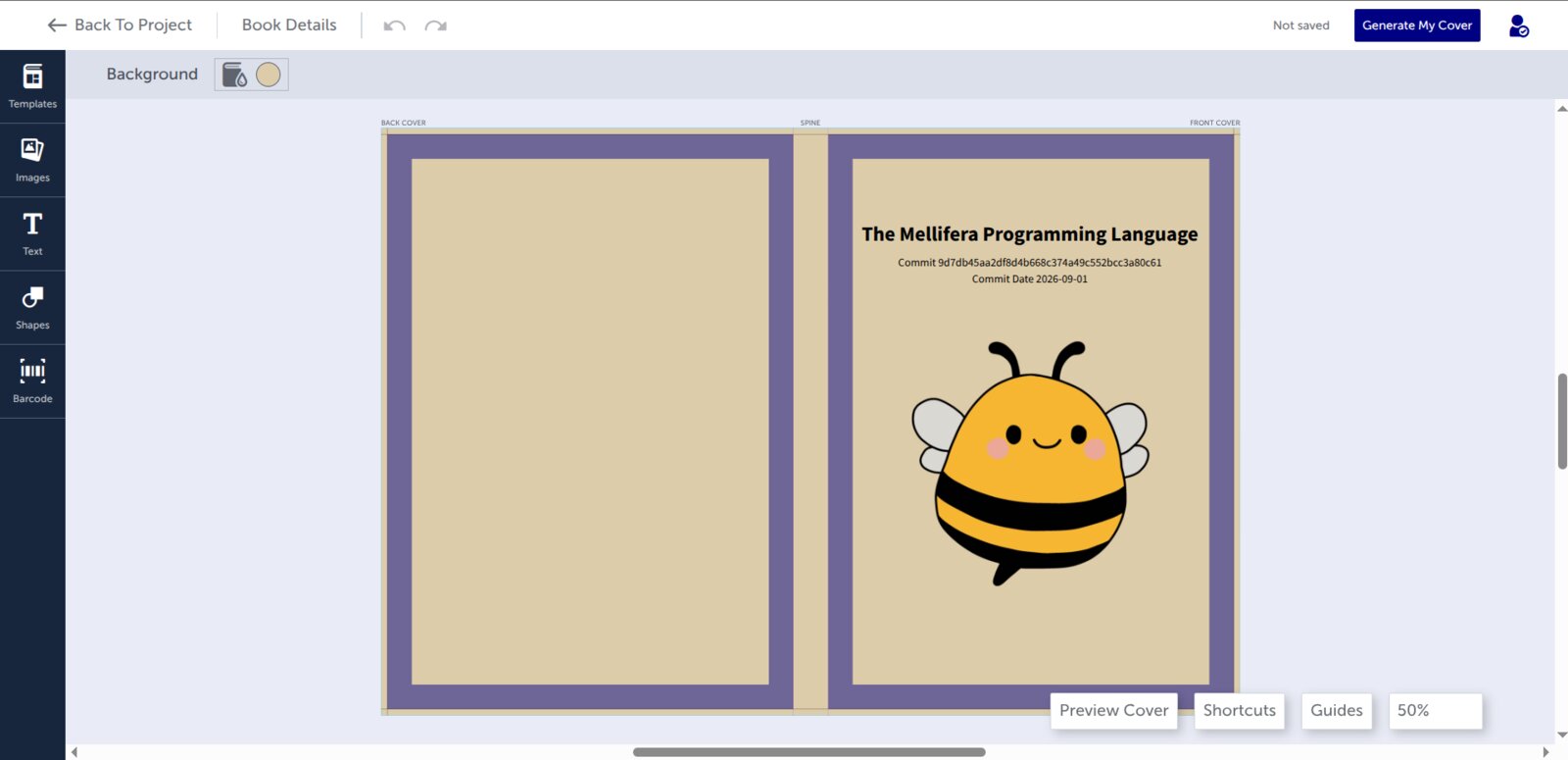
One thing I had not really consided up to this point was the cover of the book. Thankfully, Lulu has a built-in cover builder that, while basic, was more than sufficiant for me and my total lack of artistic skill.
I placed an order for one copy of the book for $27.99 with USPS Priority Mail shipping for $14.74 and plus taxes of $2.26 costing a total of $44.99. The order was placed on 2026-09-10 and the book arrived on my doorestep nine days later on 2026-09-19.
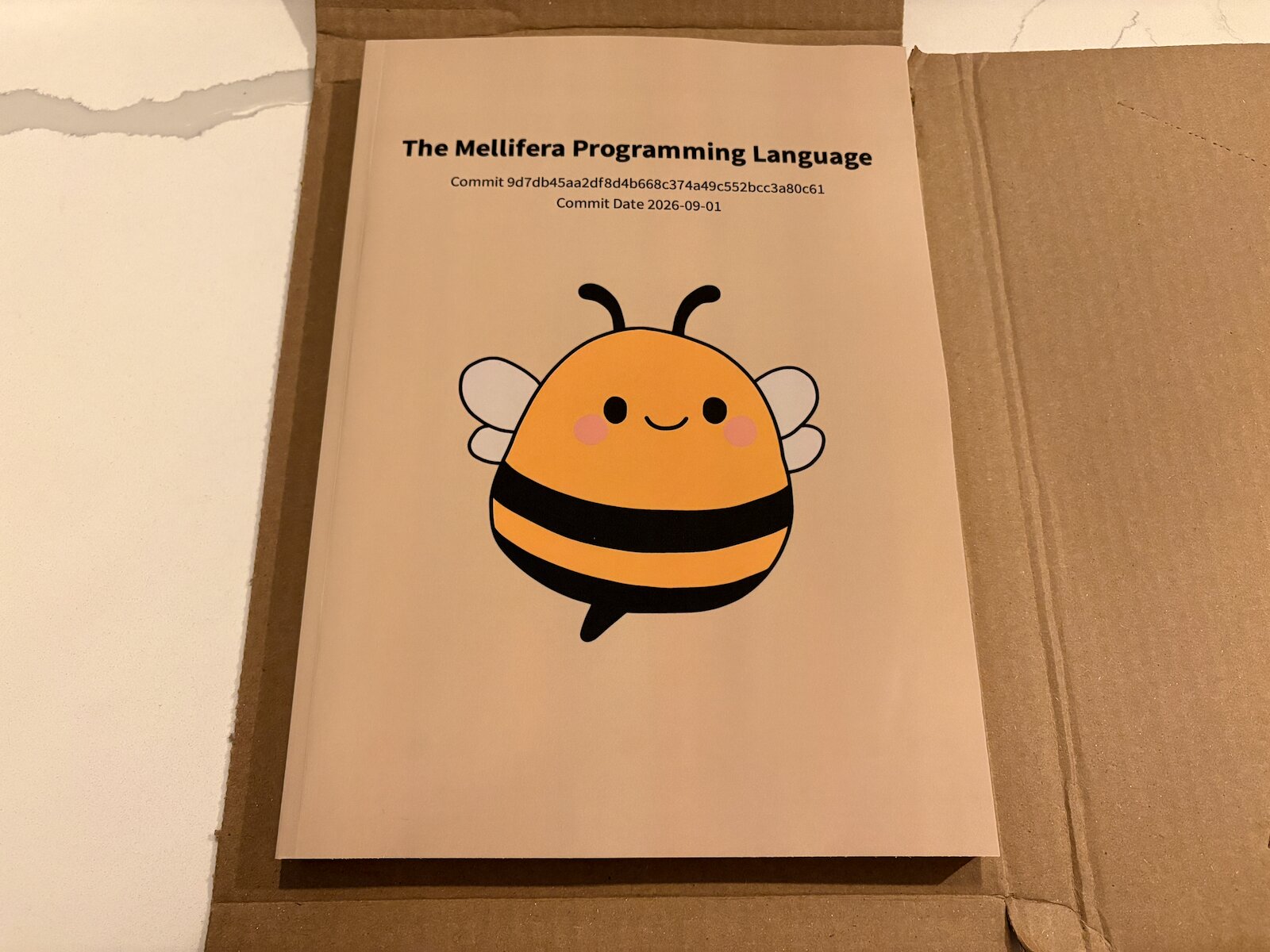
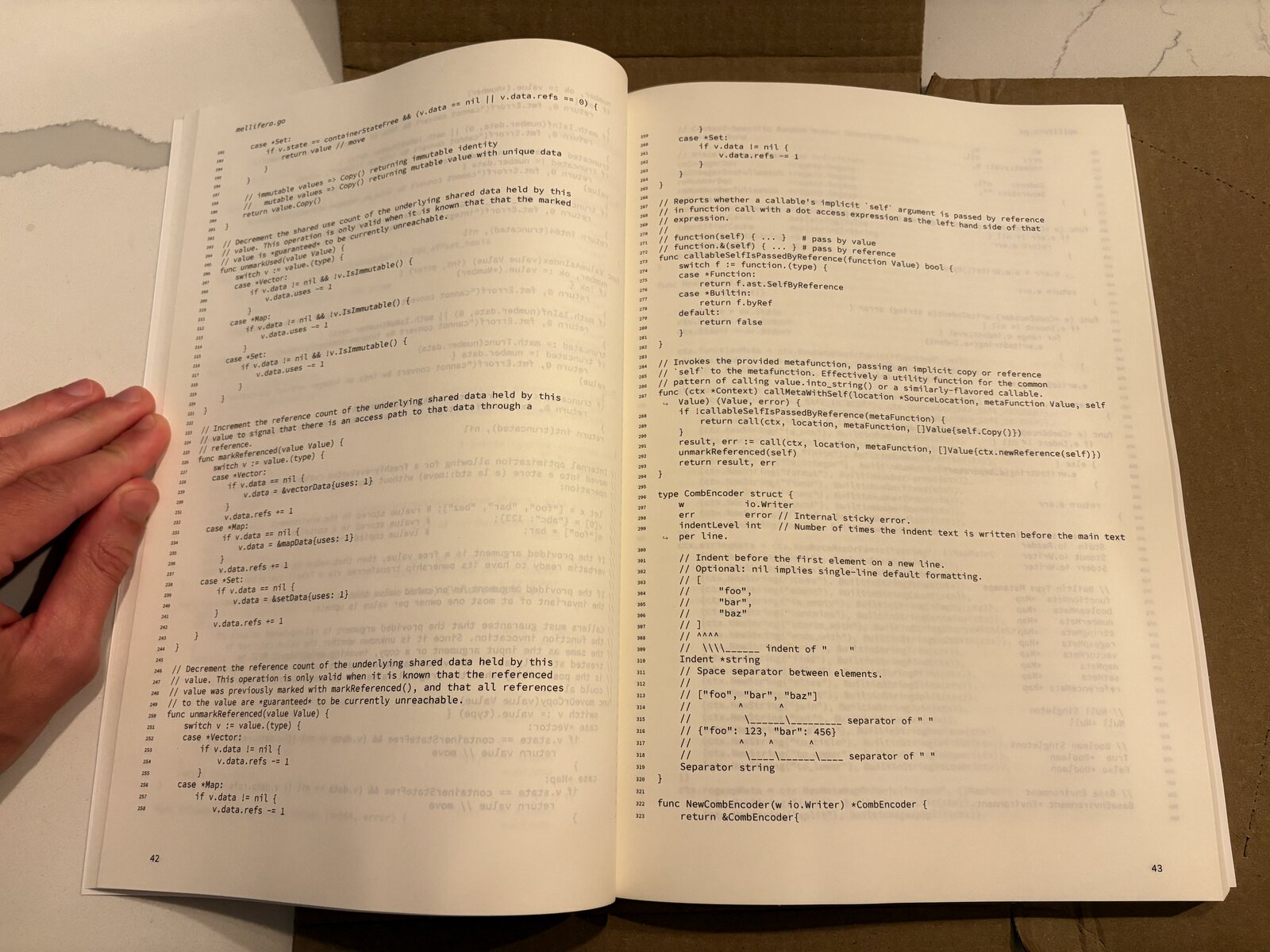
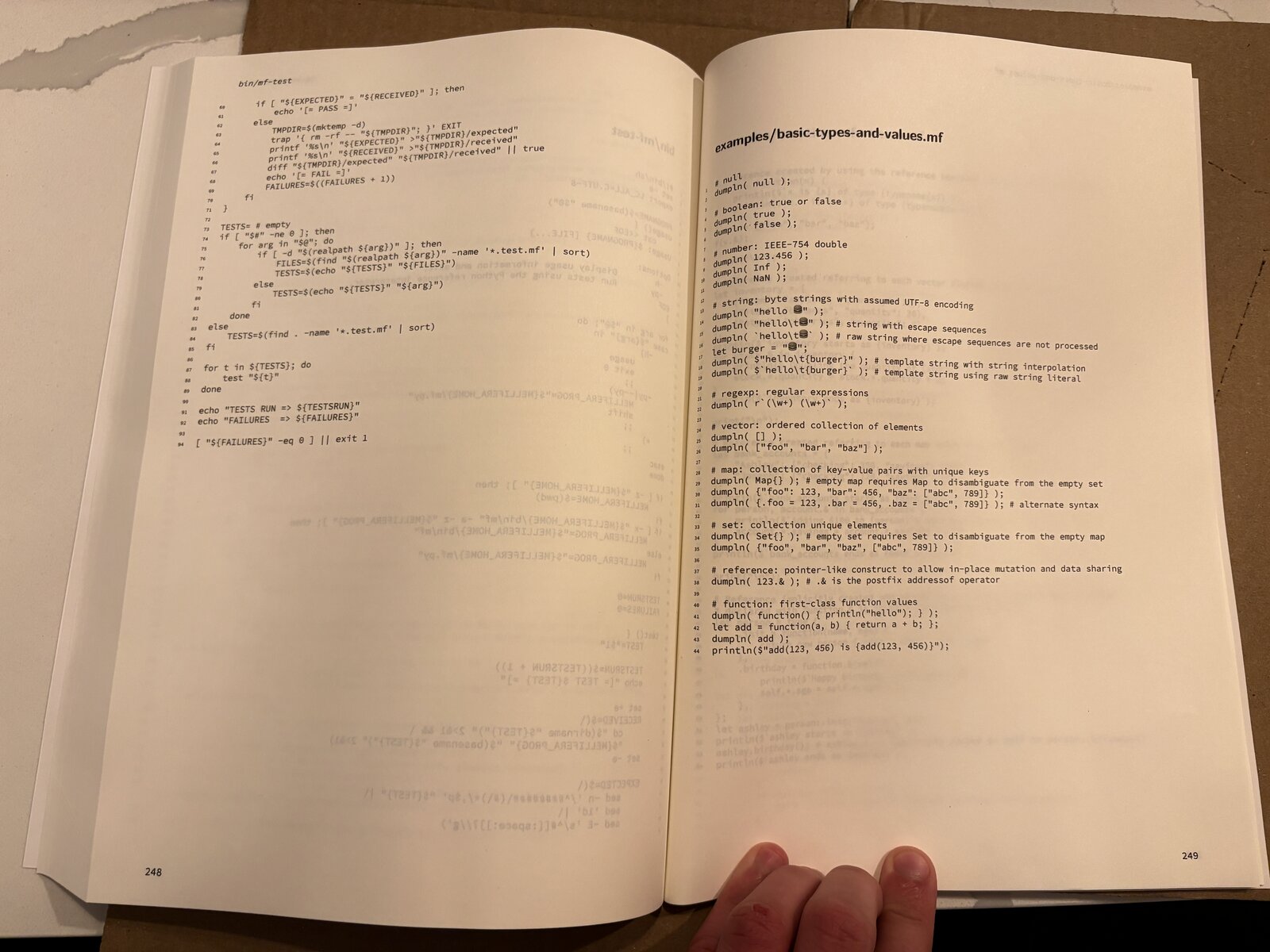
Overall I am pretty happy with how this thing turned out. The book looks nice, it is readable, and it takes up just the right amount of space on my bookshelf. It will serve as a lovely reminder of the time, effort, and love that has been put into Mellifera, and is an object that is sure to be cherished dearly. 🐝❤️
Footnotes
1. Existing tooling was either missing critical functionality (e.g. plaintext files without a file extension, such as aMakefile, would
silently fail to convert and be missing from the output document), or would
produce a PDF with weird typesetting that looked unprofessional. Although I am
not one to throw around baseless accusations, the general vibe I got
when poking around online was that much of this tooling was AI-generated code.2. At this point in my life, the only LaTeX document that I actively maintain is my résumé, which I have been continuously updating since my time as an undergraduate. It has been multiple years since I have needed to define a new command or alter the formatting of that thing though, so at this point I have lost all context on how the document works.